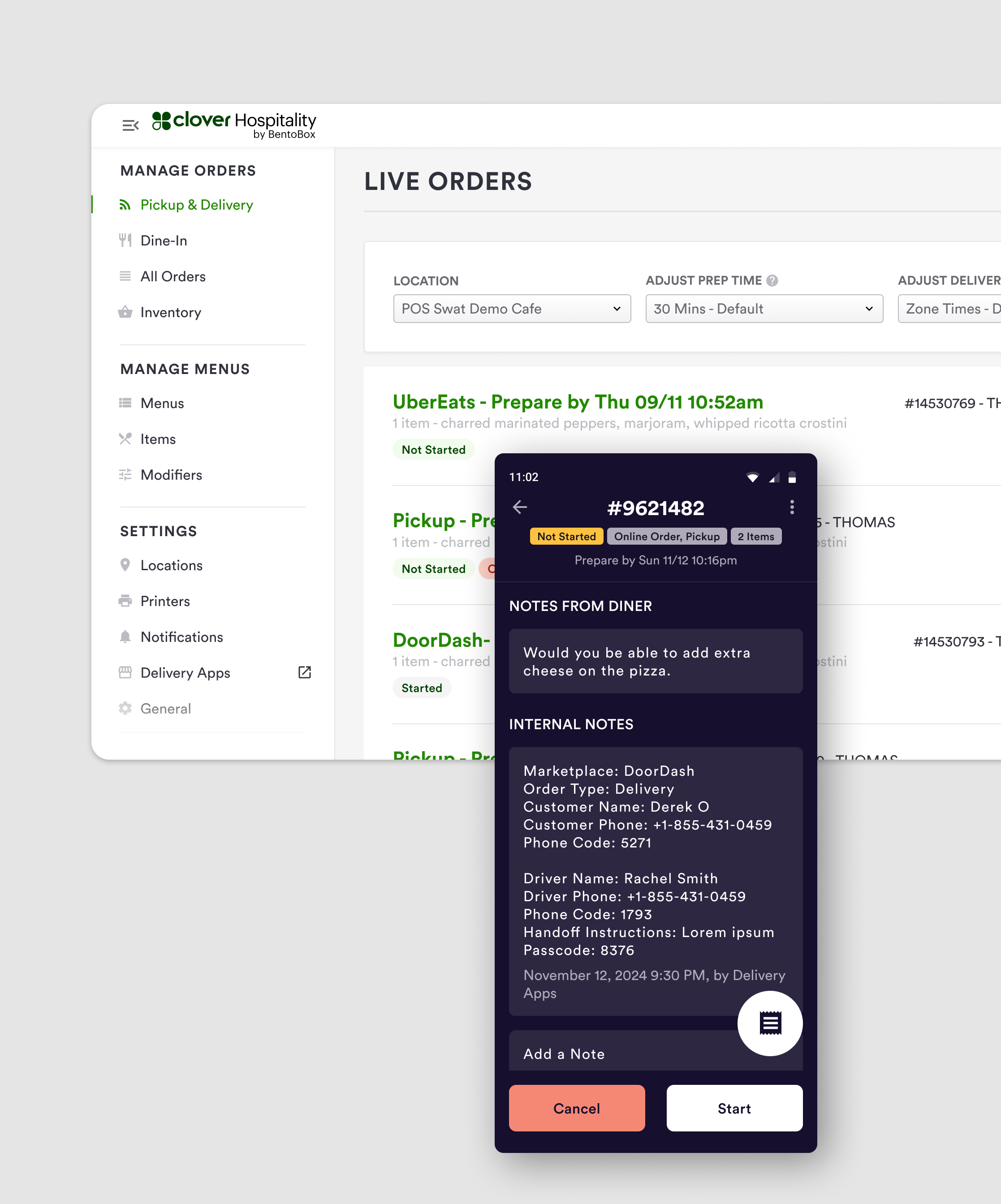
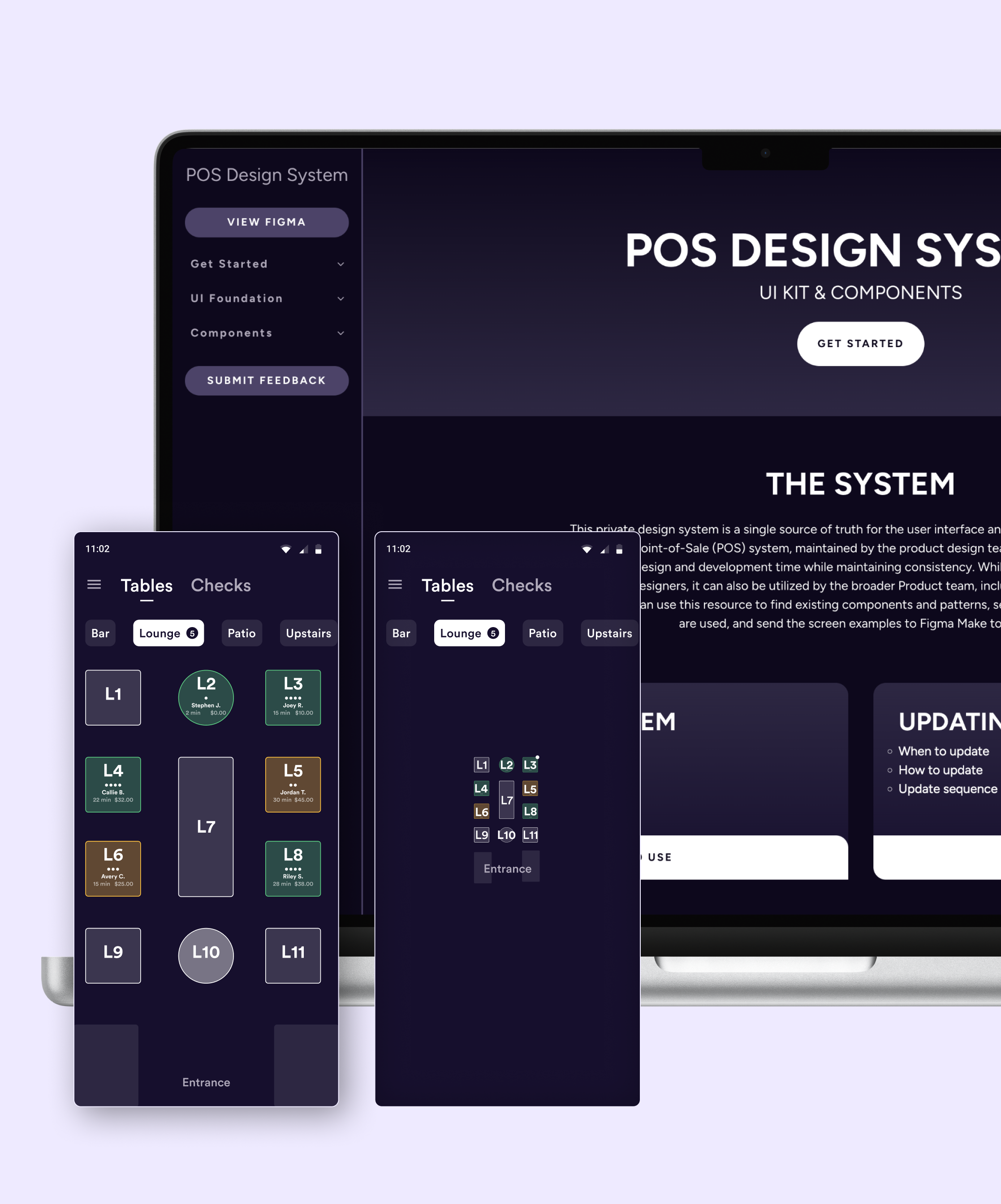
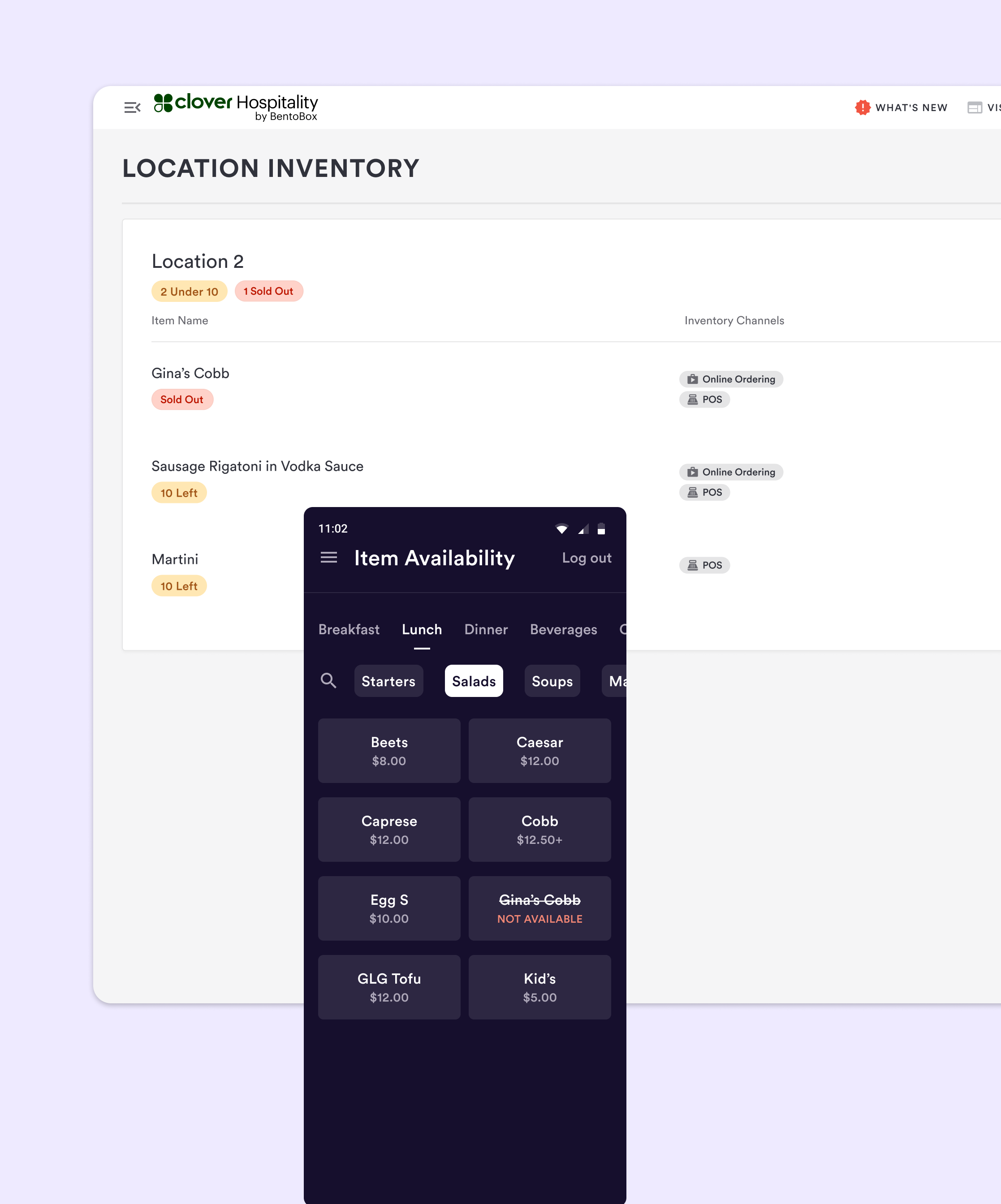
Understanding existing experience
The existing experience for managing item availability on items shared across POS and online ordering channels required users to mark an item unavailable on a POS device, log on to their restaurant’s management dashboard on a separate device to mark the item as unavailable for online ordering, and repeat both steps to mark the item as available again when the item was replenished. This disconnect between channels costs users valuable time.
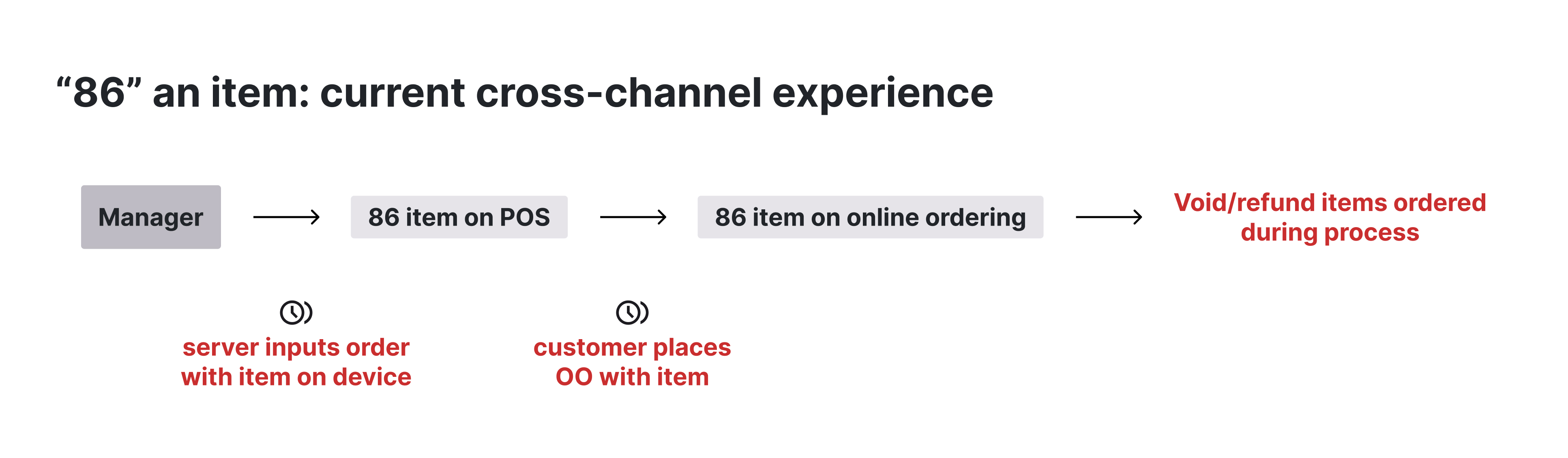
Workflow analysis
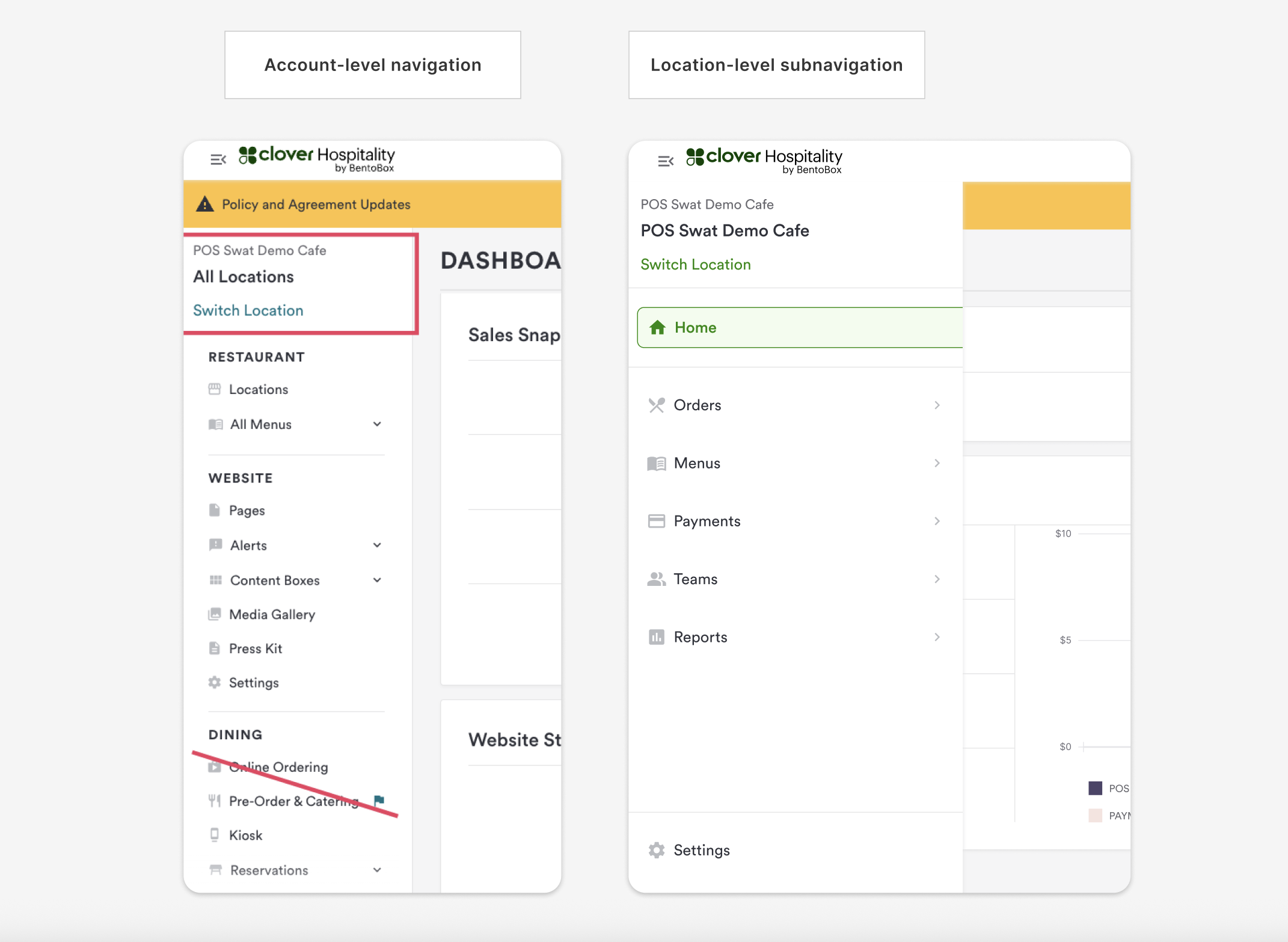
I compared the workflows for both POS item availability and online ordering inventory. This analysis highlighted some major differences in the workflows. The online ordering inventory had more robust functionality when it came to inventory, including features like reset times and quantity limits. This uncovered an additional design challenge of removing the possibility of a one-to-one sync between the channels. The other challenge I discovered during this analysis was that the POS item availability operated by location, item availability only affected items at the location where the POS device was located. The online ordering inventory existed in a concept-level navigation instead of a location-level subnavigation, meaning item availability updated across all locations unless specified otherwise.

Defining goals
I met with multiple teams owning other product areas to understand the future goals for both the concept-level navigation and the location-level subnavigation. This helped to align on the overall roadmap goals and define goals for this specific feature before beginning design iterations. The goals included: reducing duplicate workflows for users, creating a scalable solution that considered future inventory channels, and creating a workflow that aligned with the location-specific nature of updating item availability.
Design challenges
Updating item availability needed to remain in sync across channels, regardless of inventory functionality differences. While some functionality, like reset time, couldn’t be communicated on the POS device, users needed to be aware that these changes would affect items that were shared across channels. The location of the online ordering inventory experience caused multiple problems. First, users would need full access to inventory for all locations to be able to adjust online ordering inventory. This could result in users marking items at a different location as unavailable, causing unexpected operational friction. Second, it created a gap in inventory functionality for items only available on the POS. Items that were shared between online ordering and POS channels would appear in the online ordering inventory and have reset time and quantity limit available if users set the inventory from the dashboard. Items only available on the POS channels didn’t exist anywhere in the dashboard, so they were limited to a binary available and unavailable switch on the POS devices.

Exploring solutions
I explored a few options before reaching a final solution, including item-level inventory settings and moving the online ordering inventory down to the location-level subnavigation to align with the future roadmap goals of online ordering and catering products. I also explored allowing users to toggle which inventory channels they wanted their inventory changes to update. However, these iterations hit several roadblocks mainly due to external team roadmap delays and limited engineering scope.
Final solution
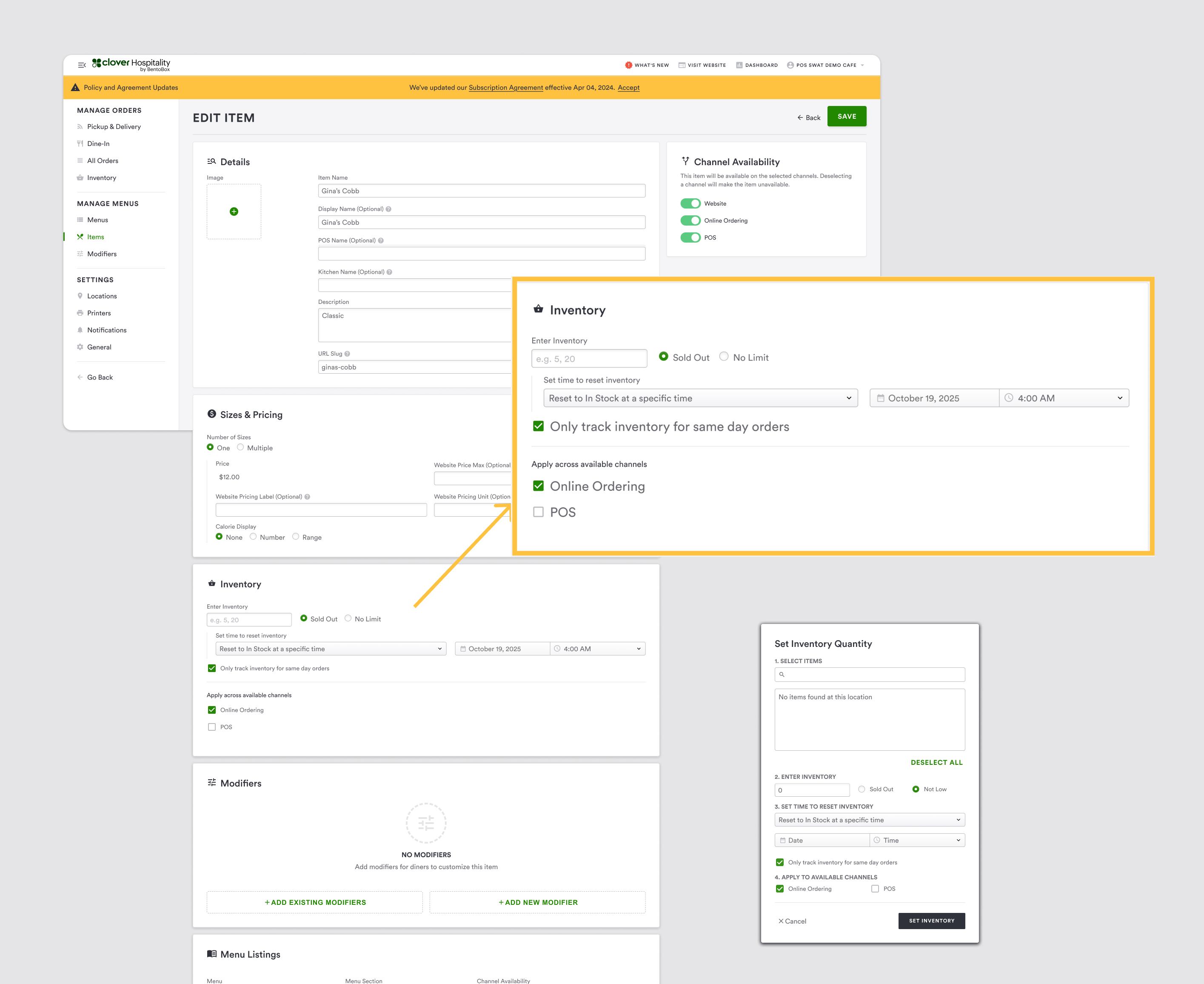
To pivot from roadblocks that arose during design iterations, I designed an inventory that was located in the location-level subnavigation. This would allow all POS items to be available in the dashboard, not only POS items that were shared with the online ordering channel. This centralized inventory page would be a solution to the current feature needs, but also create a scalable solution for the future roadmap goals of relocating the online ordering and catering experiences to the location-level subnavigation. Cross-channel indicators were added to make it clear to users when any inventory updates affected items shared to another channel. These indicators include an inventory channel column on the inventory table, text indicating where the item is shared within the inventory modal, and messaging within the inventory modal explaining that inventory set on items shared between the POS and online ordering channels will affect both channels. The POS-specific inventory has the same functionality as the online ordering inventory, including reset time, quantity limit, and the ability to set “no limit” on an item to make an item available for quick inventory updates. This was to solve the current gap of functionality between POS items that were shared with online ordering and items that were only available on POS.
.jpg)
Impact
The centralized inventory solution created a scalable foundation for future inventory management additions and the upcoming navigation overhaul. The synchronization across channels reduced context switching for users, improved operational efficiency, and reduced customer frustrations.
Future roadmap
Future roadmap items would include adding additional inventory controls to the POS so that users can perform any inventory action from either channel. Synchronization could be expanded to catering as well and allow users further functionality by giving them the ability to toggle which channels they want their inventory updates to affect.